
AI business assistant · Capabilities
Creating and editing AI images for business
How an AI business assistant helps develop a concept, create a new visual or make a focused edit to an existing business image.
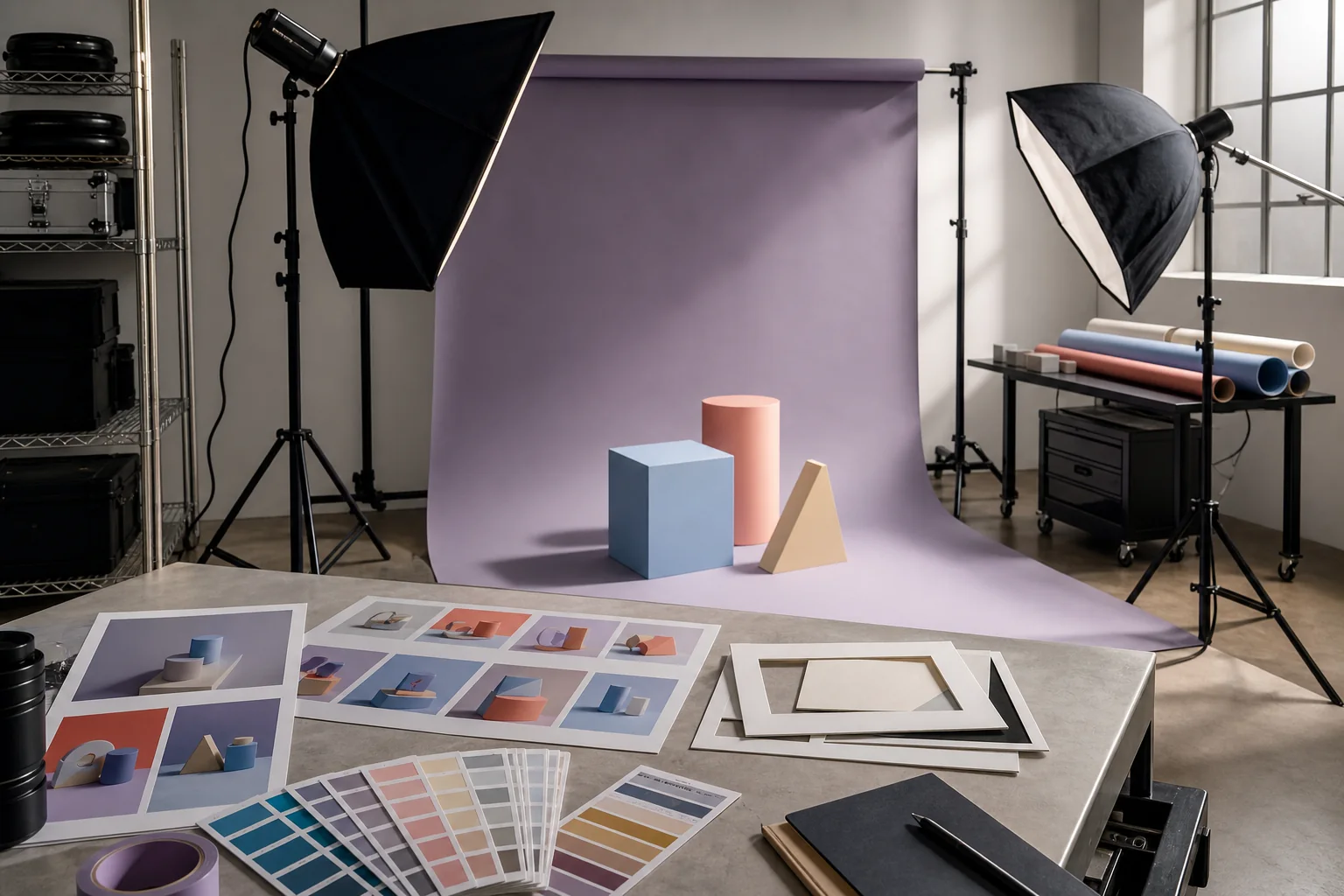
Short answer
The assistant can turn a business need into a precise visual brief, create an image or make a limited change to existing material. It is suitable for concepts, covers and editorial illustration as long as generated scenes are not presented as real interfaces, events or customer results.
From a business objective to a clear visual brief
Define the image's purpose, format, composition, style and constraints. The clearer the page or campaign context, the more useful the result.
Creating a new image or editing one detail
Create an editorial scene from scratch or change a specific element while preserving the rest. Use authentic photography or verified product media when representing an actual product.
ValueSpace
Business work, clearly controlled
Business owner
Create a calm editorial image for a campaign about managing business work from home. No interface mock-up and no customer claims.
ValueSpace
I will use a warm home setting, natural light and a phone as a supporting object. The scene will remain illustrative and contain no fabricated product screen.
- Image generatedBrief and authenticity constraints applied
ValueSpace
Here is the first result. I can adjust composition or colour while keeping the approved business situation unchanged.

First campaign visual prepared from the approved brief.
The boundary between illustration and evidence
A generated image should be clearly illustrative. It must not be used as evidence of a capability, customer result, partnership or event that did not happen.
How this works in ValueSpace
Describe where the image will be used and what needs to be recognisable. For an edit, provide the original image and define precisely what should change.
- Specify the medium, subject and framing.
- Gather references you are allowed to use.
- Create an illustration or edit an existing image.
- Inspect people, objects, devices and text.
- Check consistency with the destination page.
- Approve the file before publication.
Continue with How an AI business assistant works with documents and files.
Frequently asked questions
Its purpose, subject, framing, colours and essential elements. An authorised visual reference can make the expected result clearer.
What to prepare for a practical test
Use safe real examples, current source material and the current limits of the capability.
- The page or format where the visual will appear.
- Your brand palette and style constraints.
- A list of images that must always remain authentic.