
Dashboard guide
Review saved changes before customers see them
Keep unsaved edits, the widget draft and the published customer experience distinct, then verify the intended website chat.

Short answer
Widget publication gives you a deliberate boundary between preparing the chat and changing what visitors see. Choose the customer language, save the edited sections and review the complete draft before publishing. Publish applies the whole saved widget configuration, including customer languages. Assistant activation, answering policy and personality publication remain separate controls.
Check which version you are reviewing
Open AI Assistant > Chat widget. The page brings Appearance, Prompts, Contact, Product Card and Installation together with the publication control. Choose the intended customer language and review the section you edited. Unsaved values and a saved draft are different from the published configuration.

Publish the complete saved configuration
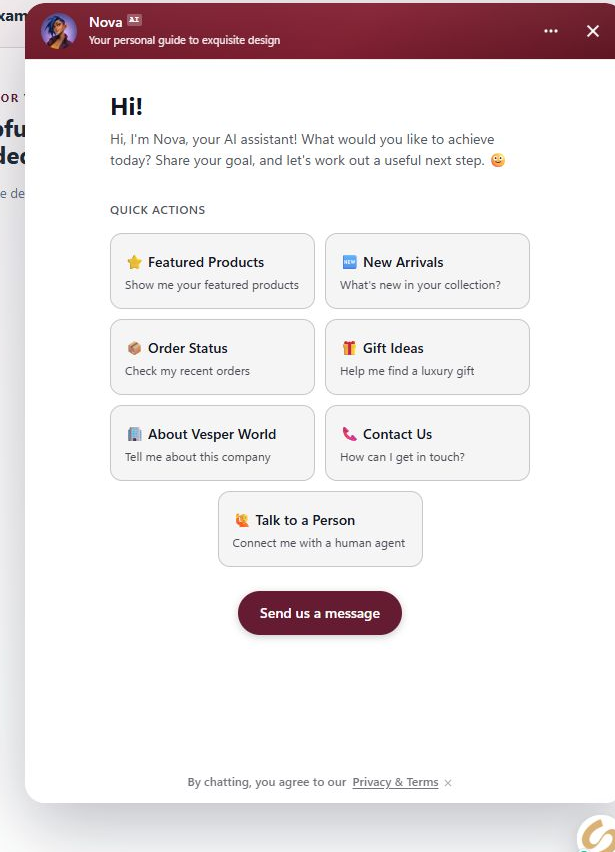
Save intended changes in the edited section, then review the other saved sections and customer languages. Publish applies the complete saved widget, so it deserves a broader check than the last field you changed. Afterwards, open the actual website or Direct Chat Link and check the experience in the intended language.
- Widget publication does not activate AI or change its answering policy.
- The Setup personality has its own saved-draft and Publish flow.
What you can do
Use the visible controls to review the setup and choose the next step.
- Edit customer-facing copy in a selected workspace language.
- Save widget sections as a draft.
- Publish the complete saved widget configuration.
- Verify the customer-facing website or direct chat afterwards.
Continue with the Dashboard guides or your inbox.
Good to know
Check whether the section was saved and the whole widget draft published. For WordPress, also review the plugin's website-display choice.
Before you begin
Open the intended workspace and review the current state.
- Check the active workspace and your access.
- Review the relevant information and available controls.
- Verify the result after making an intended change.